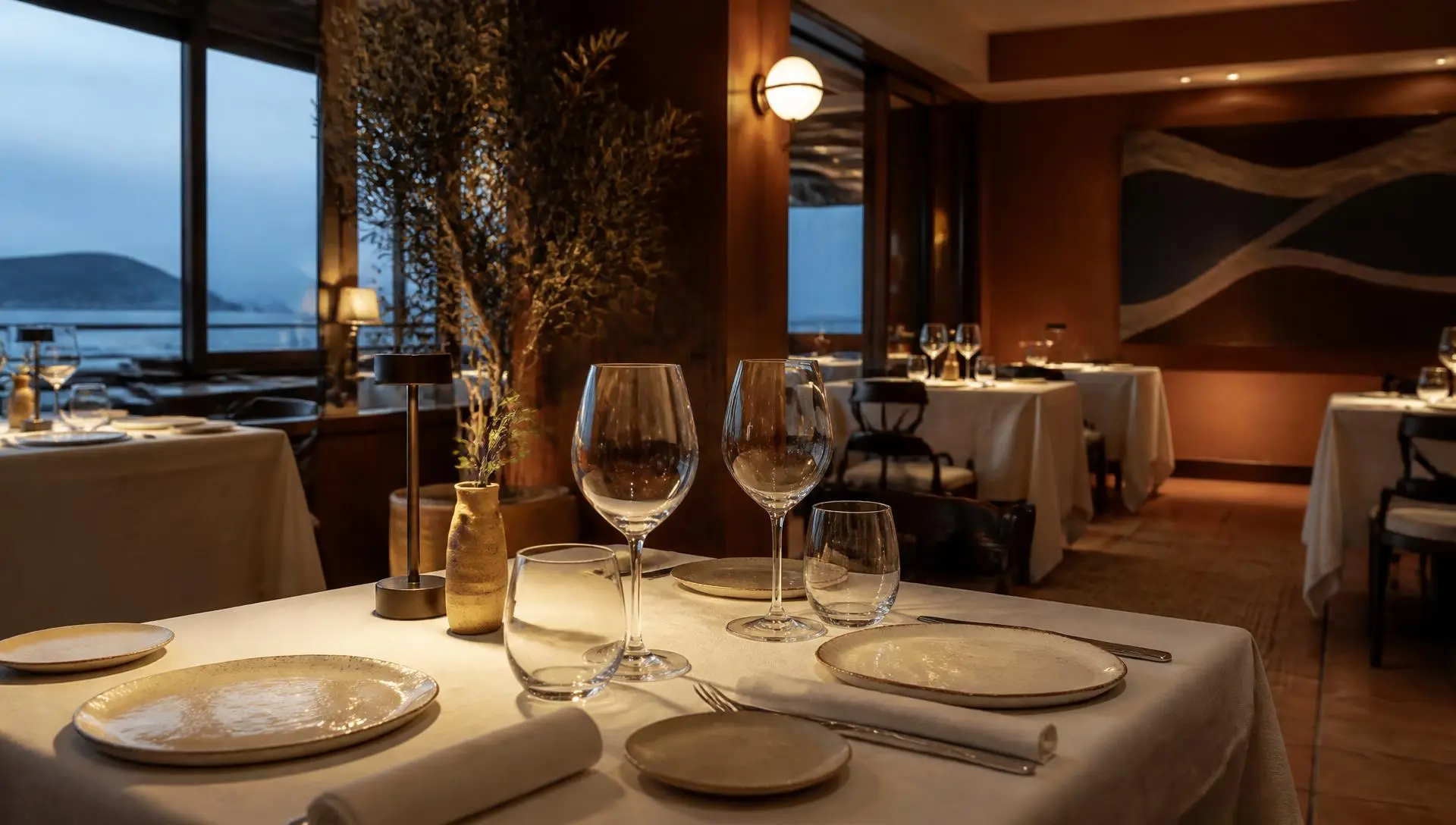
Kavuo generates a website for your restaurant from your Google listing, in Spanish and English. It includes your menu, hours, location, reviews, photos and a booking form.
Once you claim it, you edit it from Dashboard > Web > Edit: texts, images, colours, a temporary notice, highlights and SEO fields. Changes show in a live preview.
The gallery holds 6 photos on Start and up to 20 from Pro. You also get QR codes that point to your site and keep working if you change domain.
With Pro or higher you can use your own domain. It is a good idea to review the texts the AI generates before you rely on them.
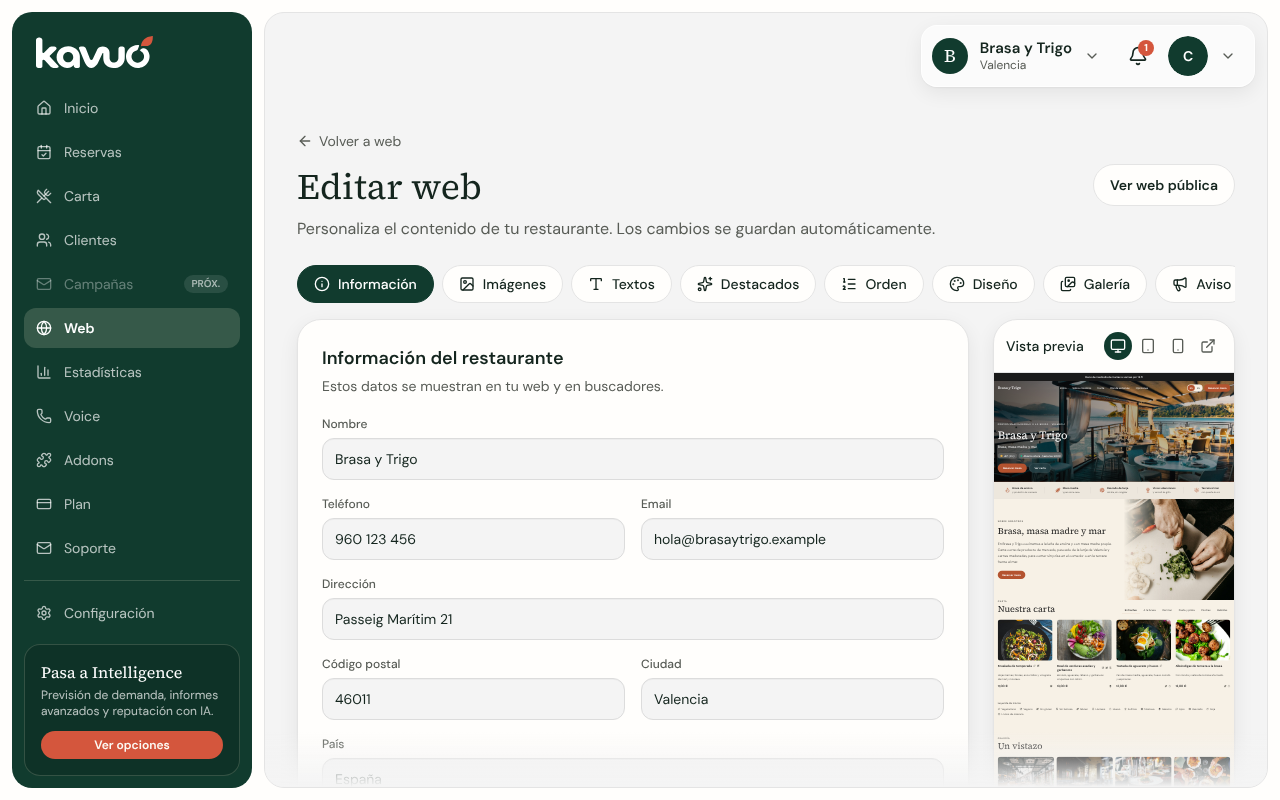 Open it in your dashboard